Case study / 03
Design System Transformation
Making one portal feel like one product.
- Role
- Frontend lead, with a product designer
- Surface
- B2B counsellor portal
- Span
- Roughly six months
As the product evolved, UI decisions accumulated independently across pages. Buttons, inputs, forms, layouts and interaction patterns increasingly reflected whoever had built that part of the portal rather than a shared product language.
We needed more than a visual refresh. We needed a system.
01Every page worked. Together, they didn’t feel connected.
There was no strong common visual identity. Different parts of the application solved the same UI problems in different ways — not because anyone did it badly, but because each was built when it was needed, by whoever needed it, with no shared reference to build against.
Everyone was solving UI locally.
02Before components came decisions.
I worked with a product designer on what the product should actually look and behave like: colour, typography, iconography, grid, spacing, interaction patterns and component behaviour. That exploration ran for a month or two before anything was worth building — the point was to agree on the foundations the components would share.
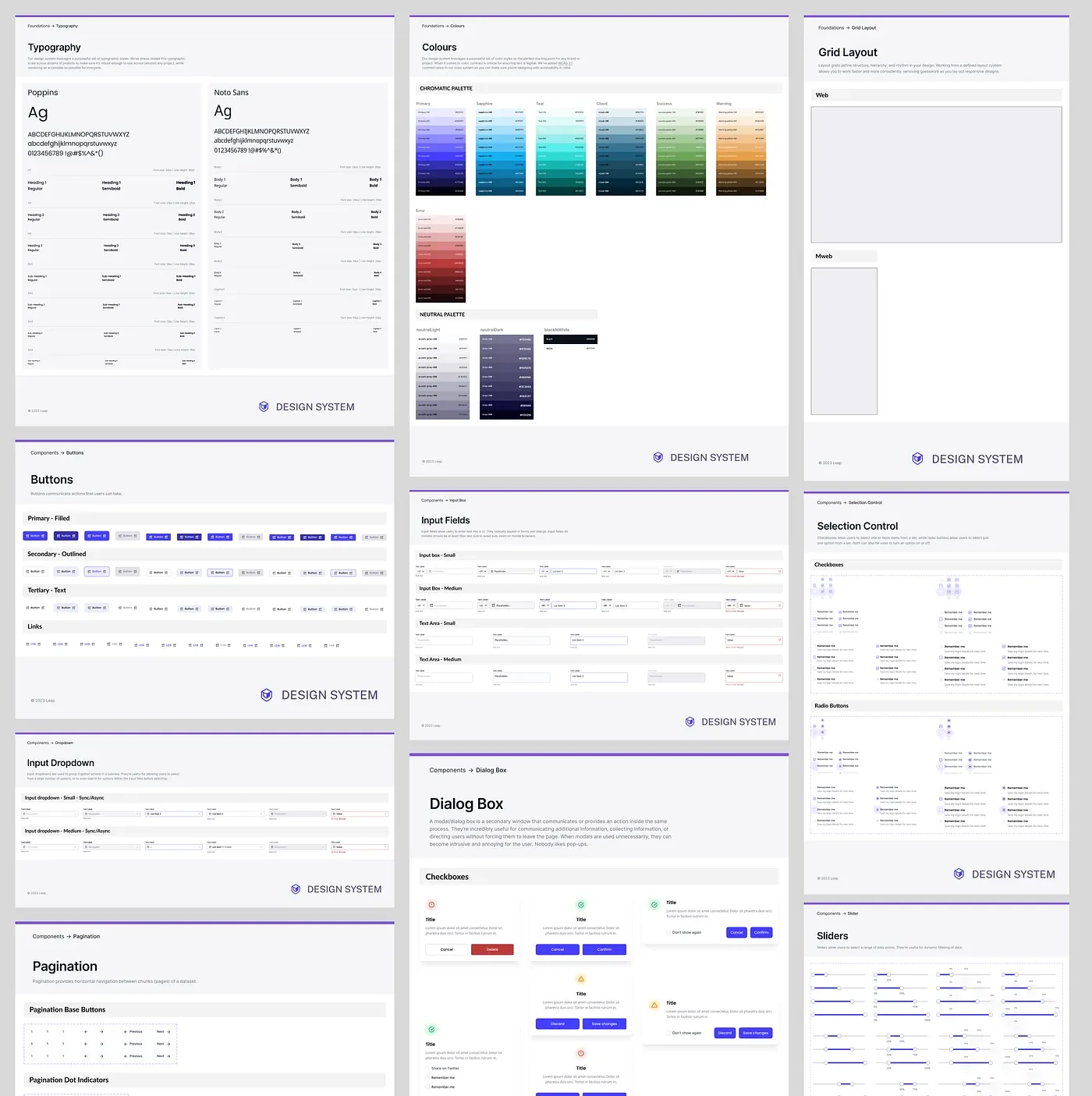
03Design → code → review → release.
Material UI gave us a low-level foundation to build on; it was not the design system. Components were adapted and rebuilt to follow our own language, documented in Storybook, reviewed by the designer before release, published as an internal npm package, and consumed by the portal like any other dependency.
Design→Code→Review→Release
That distinction mattered. It stopped being a folder of shared React components and became a versioned, reviewable surface that engineering could depend on.
04Somewhere to look it up.
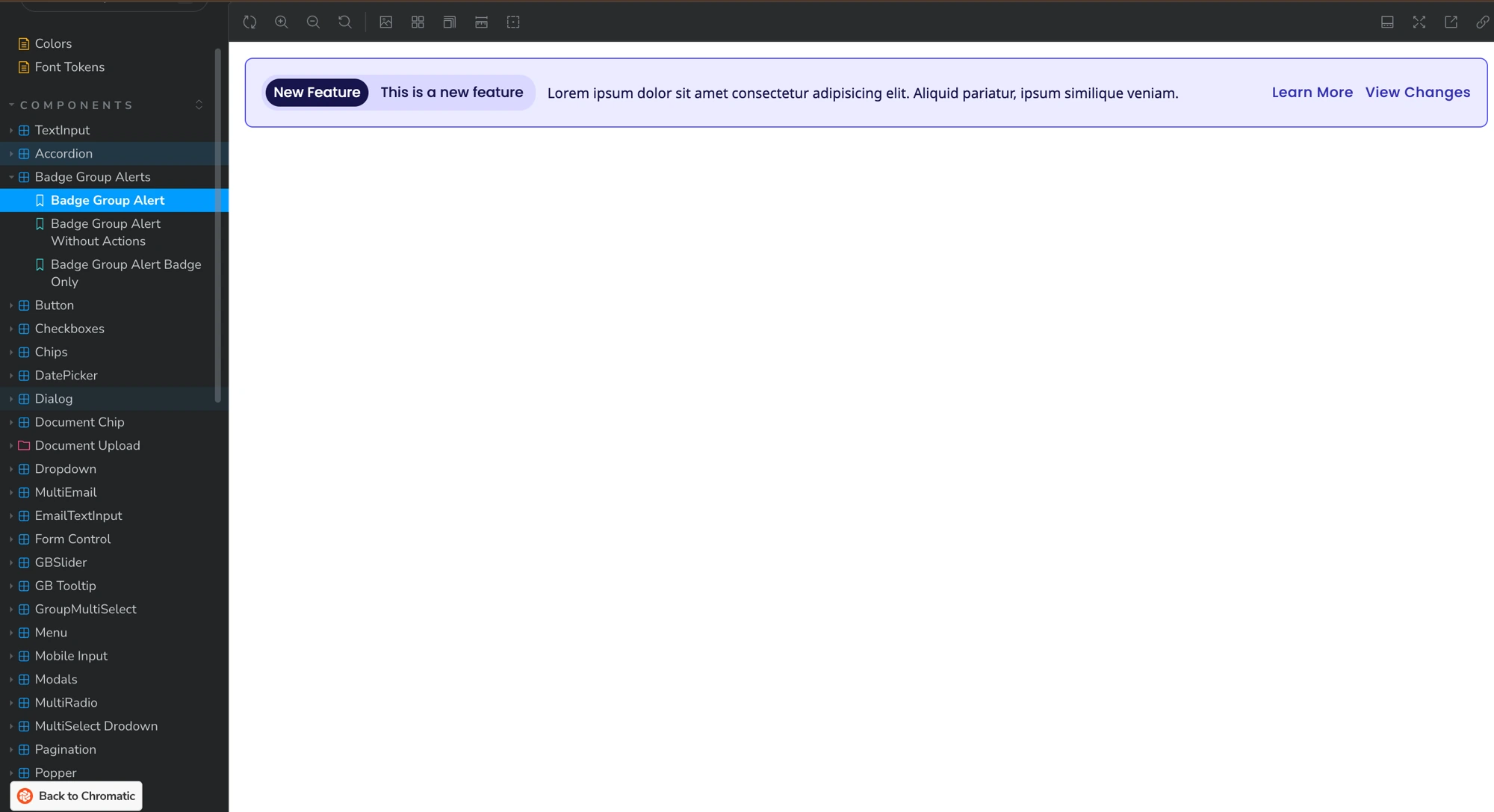
05Start with primitives. Earn complexity.
The first release covered the things every page needed, and nothing more. Complex components came later, once the primitives underneath them were settled and being used.
Don’t begin with the fancy components.
06A library isn’t useful until the product trusts it.
A new counsellor dashboard was being built around the same time, so it became the first real product surface designed entirely around the new system. When it was reviewed with business stakeholders the response was strongly positive — which is what made the rest of the work possible.
07Then came the harder part: the existing portal.
Once the system had proved itself on a real dashboard, I worked through the existing portal page by page, replacing one-off patterns with shared components. It was roughly six weeks of concentrated migration, and I handled a substantial part of it myself.
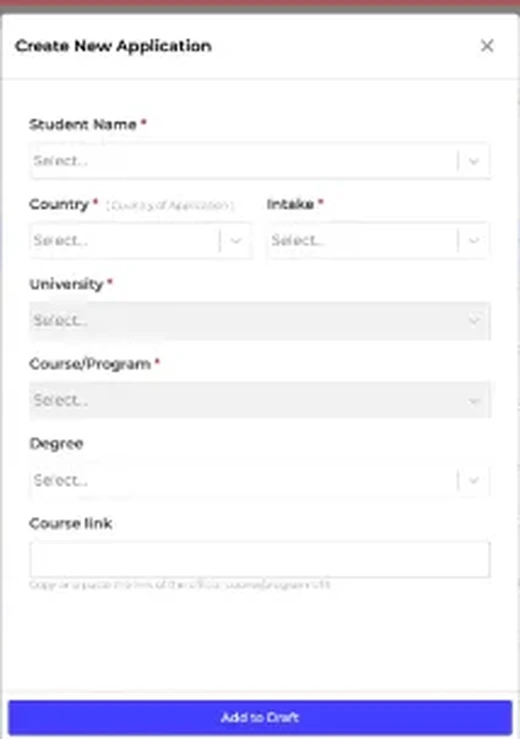
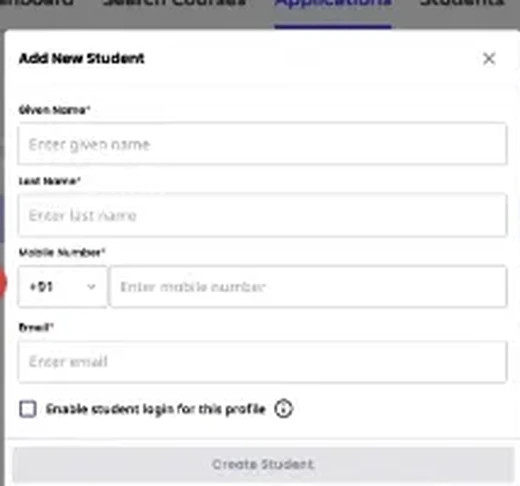
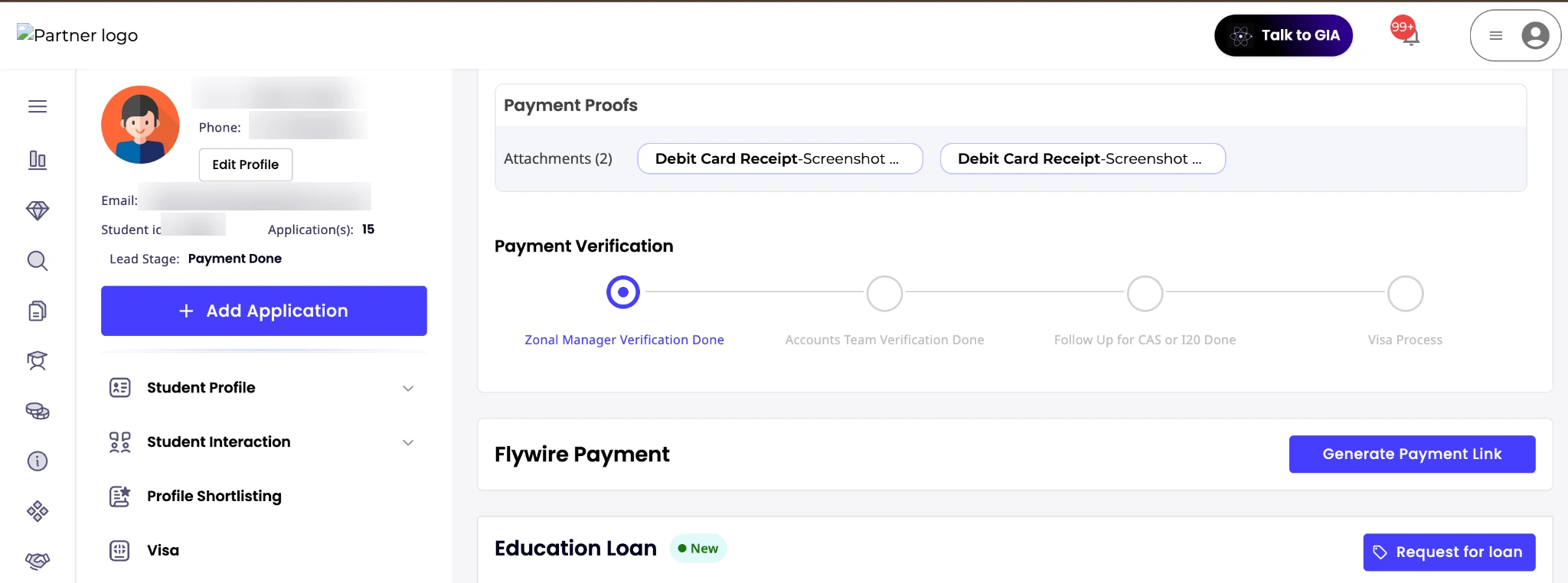
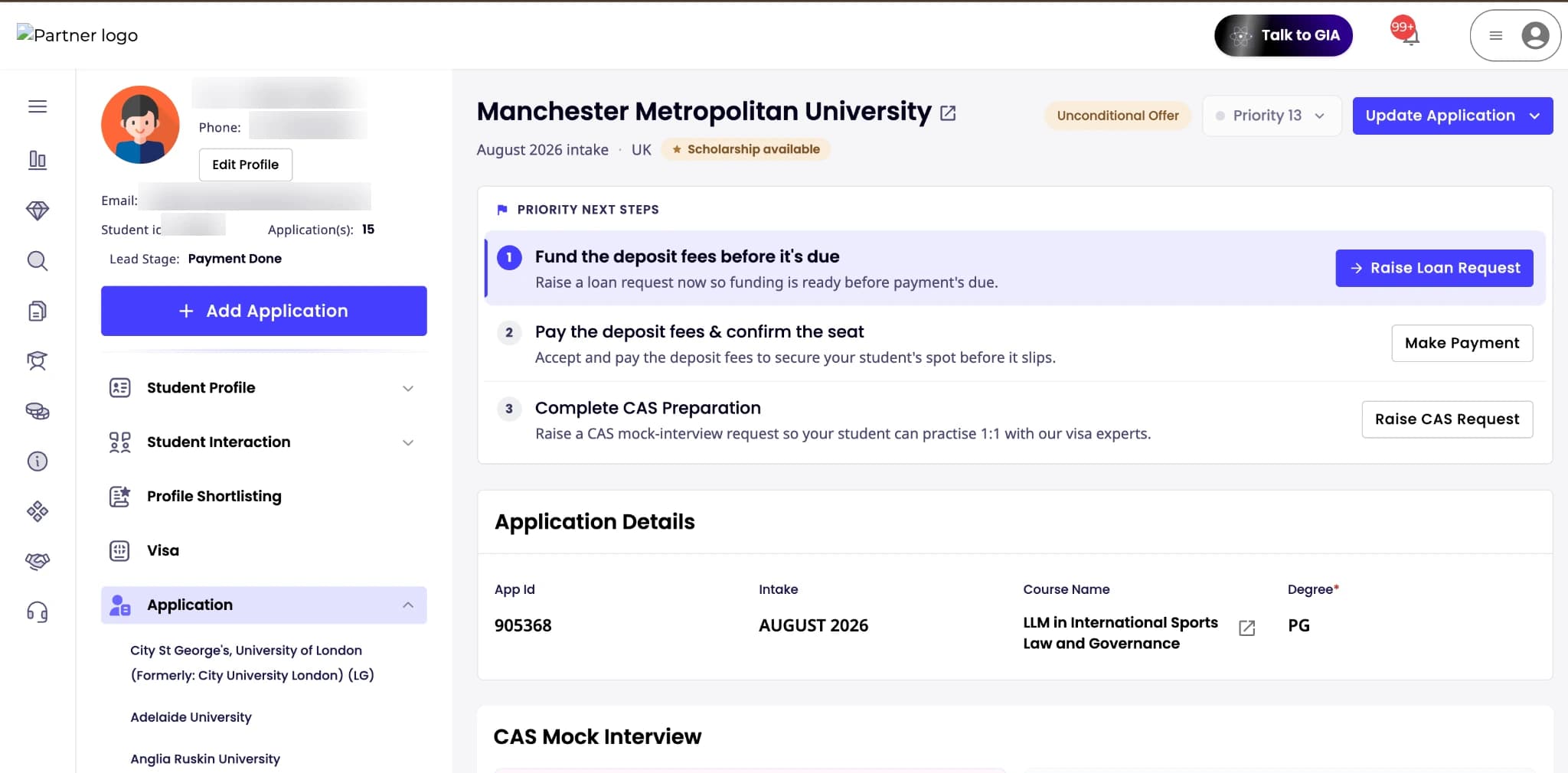
08One vocabulary, on every surface.
The same primitives now carry increasingly complex workflows — statuses, verification steps, document handling, nested application state — without each page reinventing how those things should look.
09The system didn’t spread. The idea did.
Our component library wasn’t designed to become a universal company package — other pods had different audiences and different visual needs, B2C and B2B alike. What travelled instead was the practice: other teams began formalising their own.
Shared principle > shared pixels.
10The biggest change wasn’t the component library.
“The portal finally started to feel like one product.”
11What I took from it
Building the components was the straightforward part. The more important work was creating trust in the system — with designers, with engineers, with business stakeholders, and eventually with the existing product itself.
Consistency is a product feature.